 TTime
TTimeCaiyun Translate
Caiyun Translate provides text translation in TTime, and this guide explains how to create an application, obtain a token, and complete the setup
official website application address
Quota information As time goes by, the official website may change, this is for reference only, please refer to the official documents for details
Caiyun Translate - Official Documentation - Billing Overview
| Type | Free quota | Price beyond free quota | Number of simultaneous translations per second |
|---|---|---|---|
| Caiyun Translate | New user registration of 1 million characters is valid for one month | 39 RMB/1 million characters |
1. Register or log in
Click here to jump to login/registration
If you already have an account, choose to log in, if not, register.
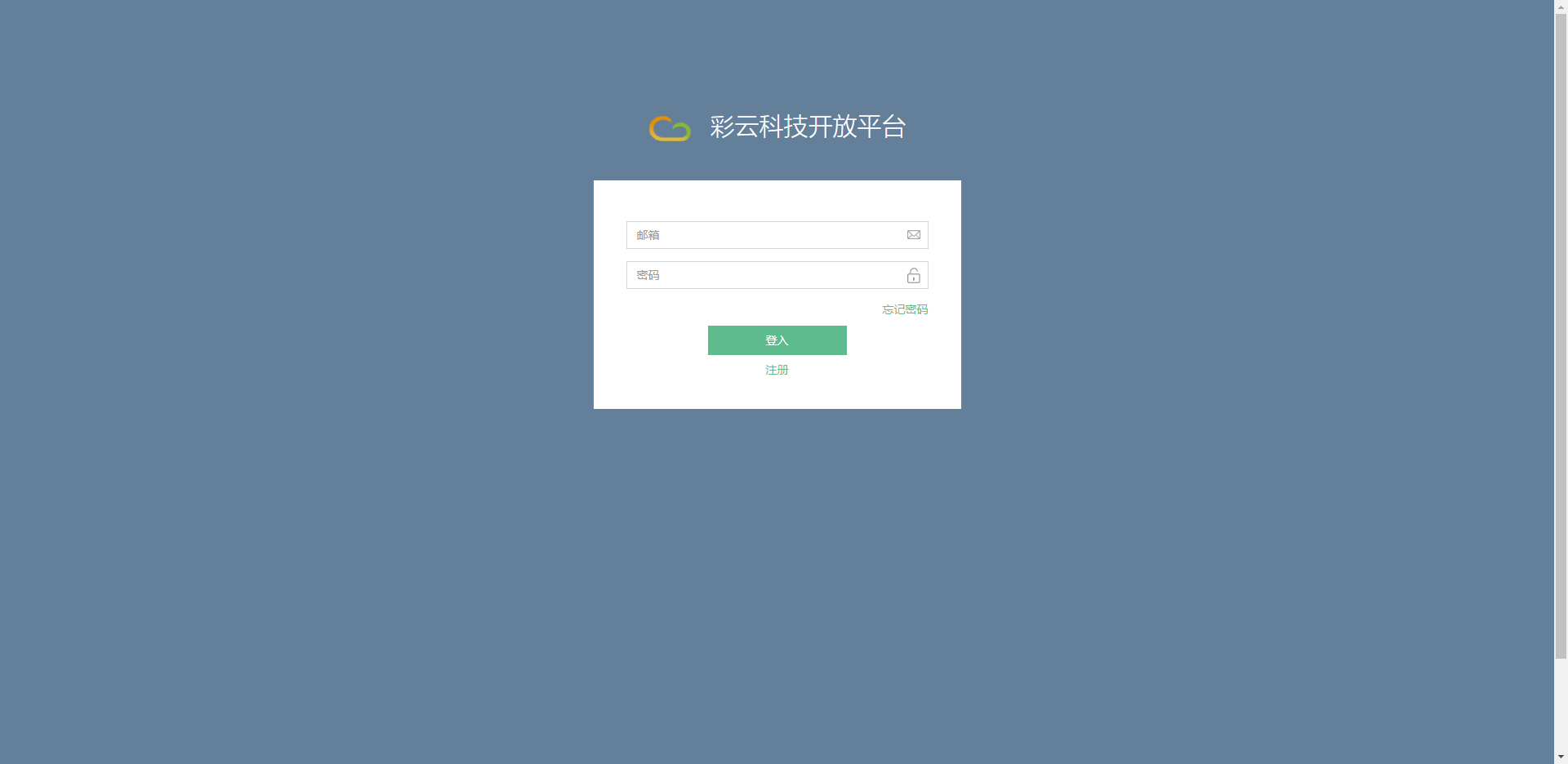
2.Account authentication
After entering the page, select
Account Management -> Account Certification -> Personal Developer Certification
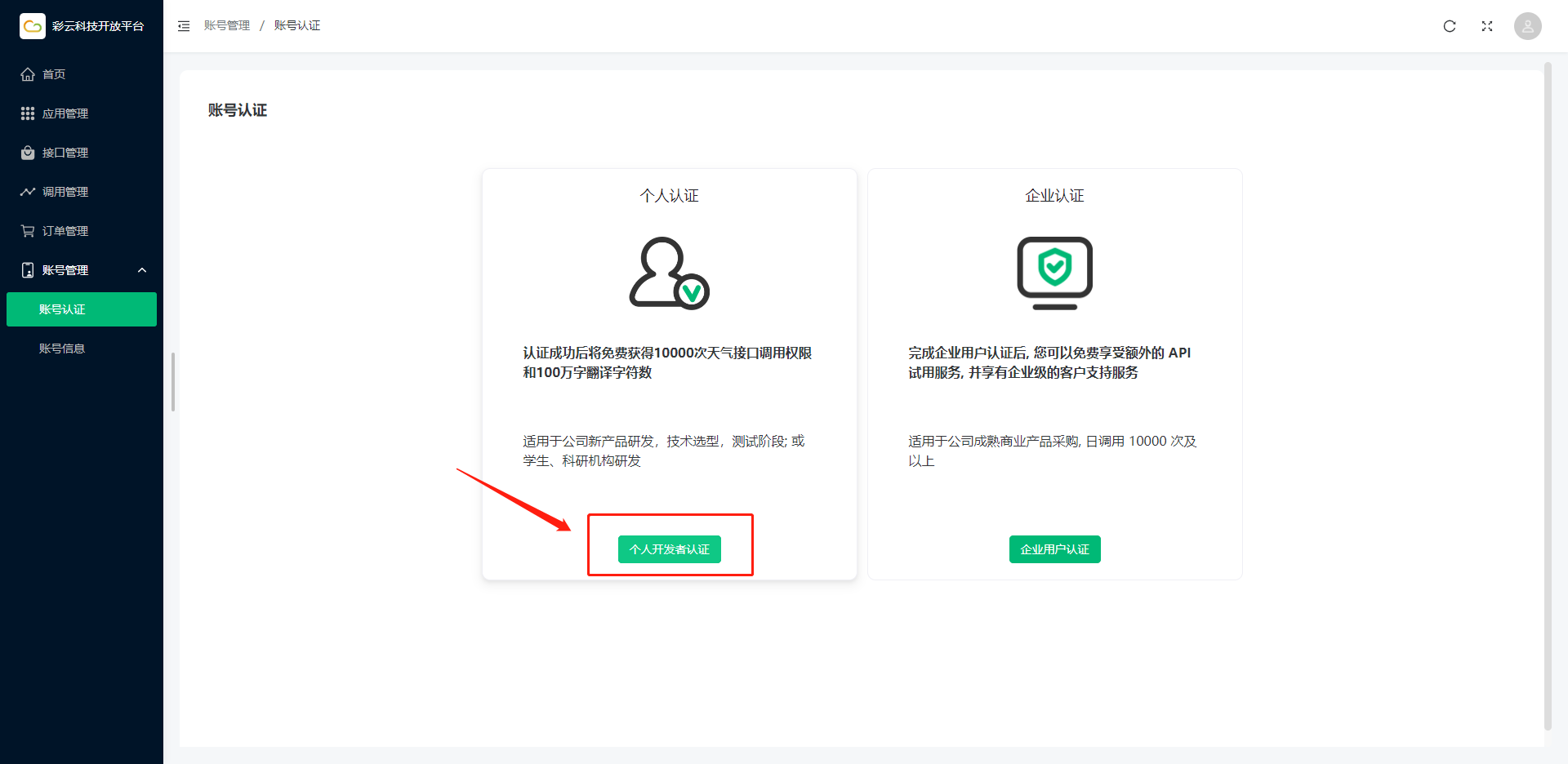
Fill in your corresponding information
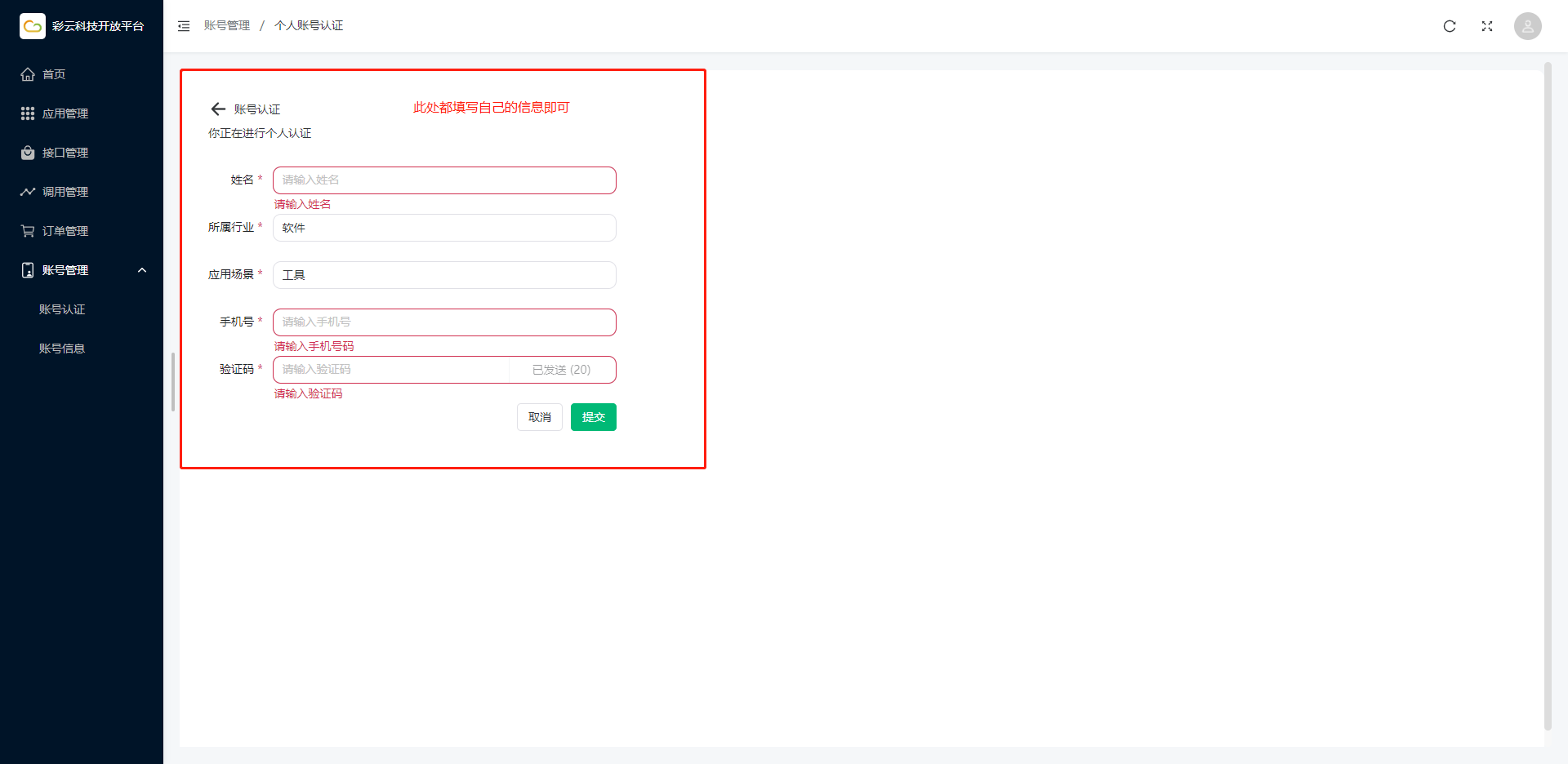
The following indicates successful authentication
3. Create application
Then click Application Management on the left menu bar
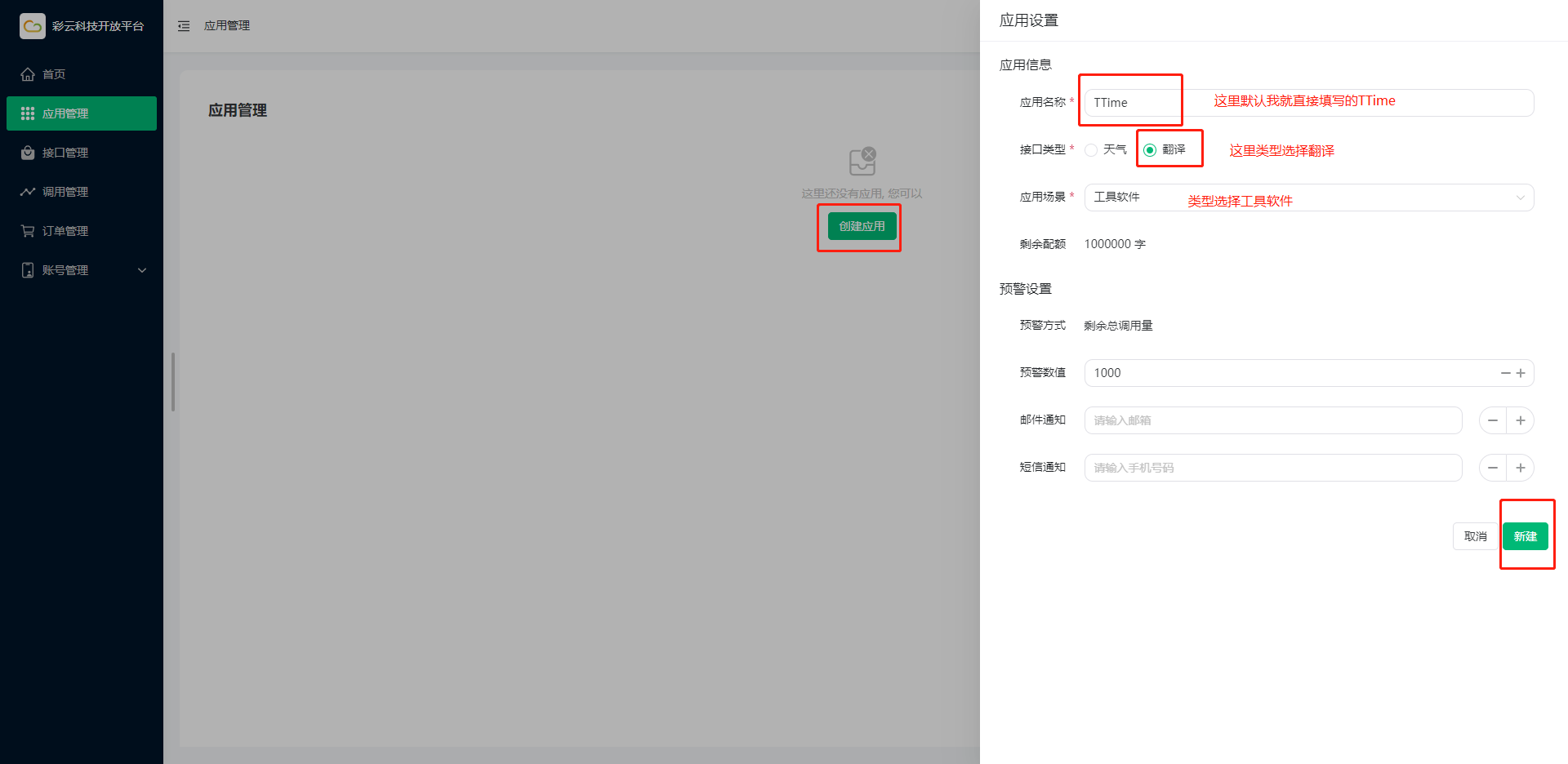
Click Create Application on the page and fill in the application related information
Finally click New
4. Get Token
Finally jump to the Application Management page, the corresponding application Token is as follows
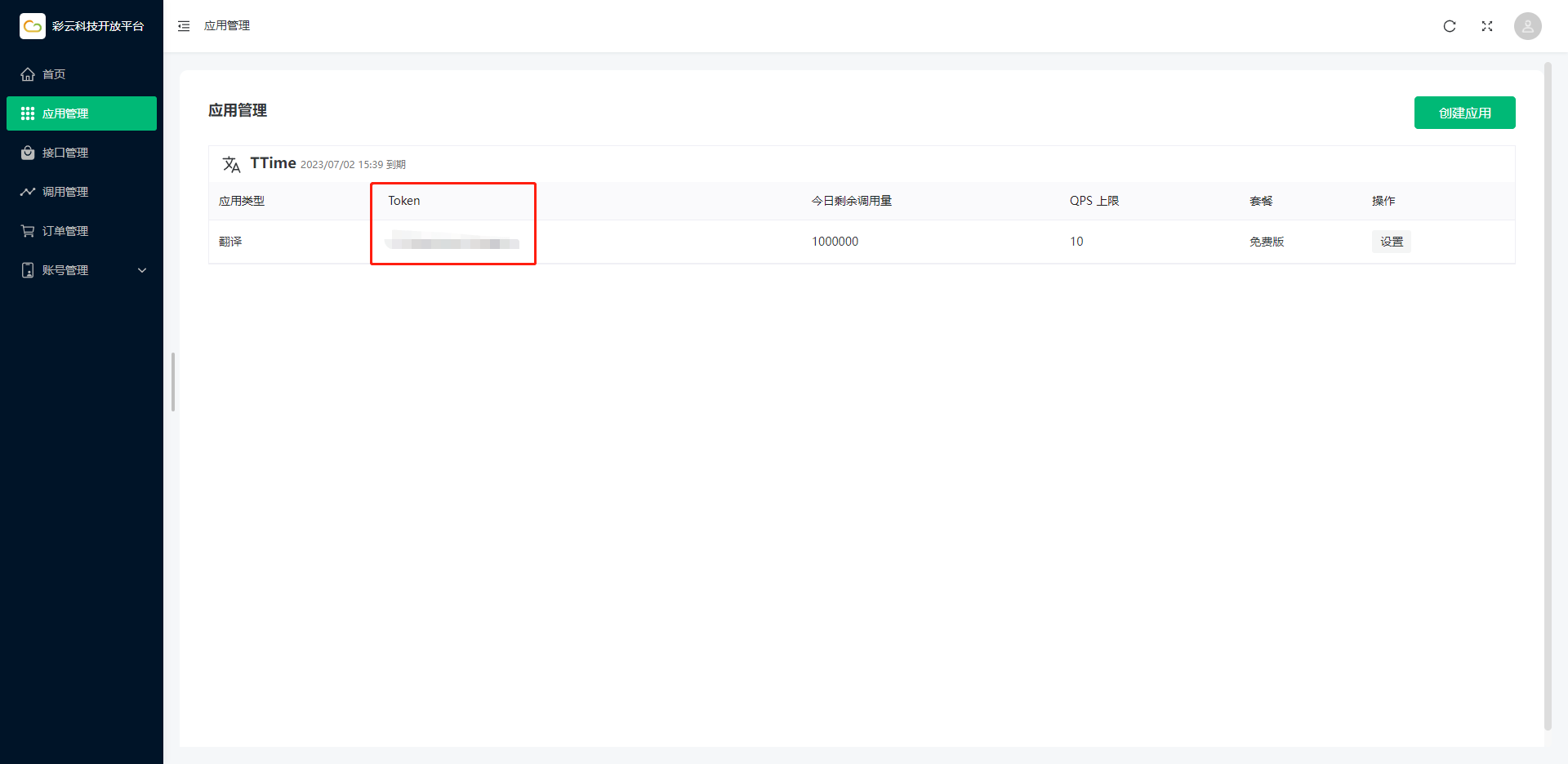
After obtaining the token, open TTime Settings, go to Translation Services, select Caiyun Translate, and enter the token
For setup instructions, see Configure Translation Services in TTime