Skip to content

TTime

Translation and OCR Software

Translate screenshots and selected text, or recognize text in images with OCR

Multiple Translation Services

Use machine translation, AI translation, and dictionary services in one place
Baidu
Bing
DeepL
Google
Gemini
OpenAI
Azure OpenAI
NiuTrans
TranSmart
Youdao
Caiyun
Papago
Tencent Cloud
Volcengine
Alibaba Cloud
Zhipu AI
Ollama
Yandex

Screenshot Translation, Selected Text Translation, and OCR

You can also translate images, enter text directly, or replace selected text with its translation
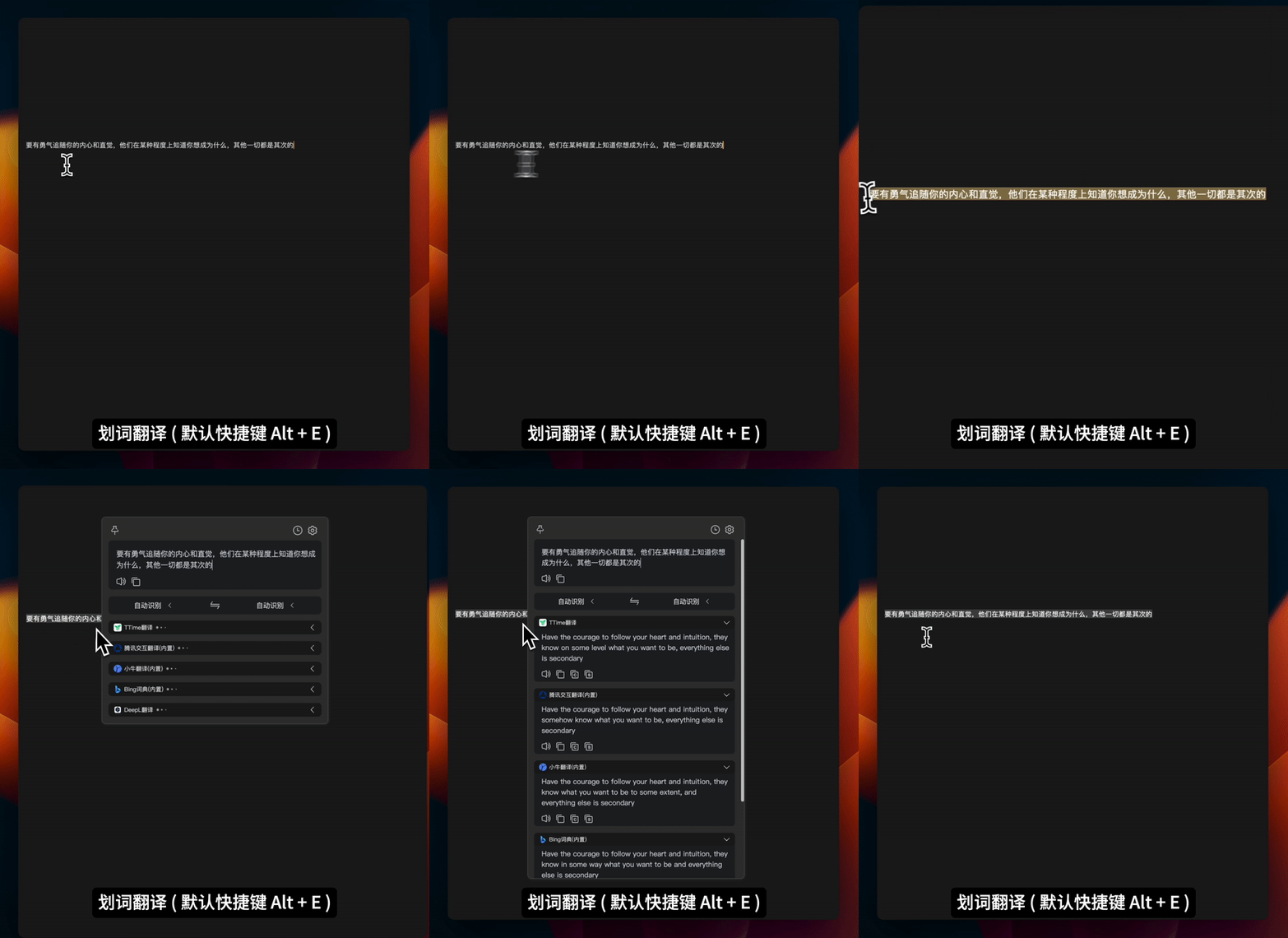
Selected Text Translation

Select text with your mouse and press a shortcut to translate it

Learn more about selected text translation
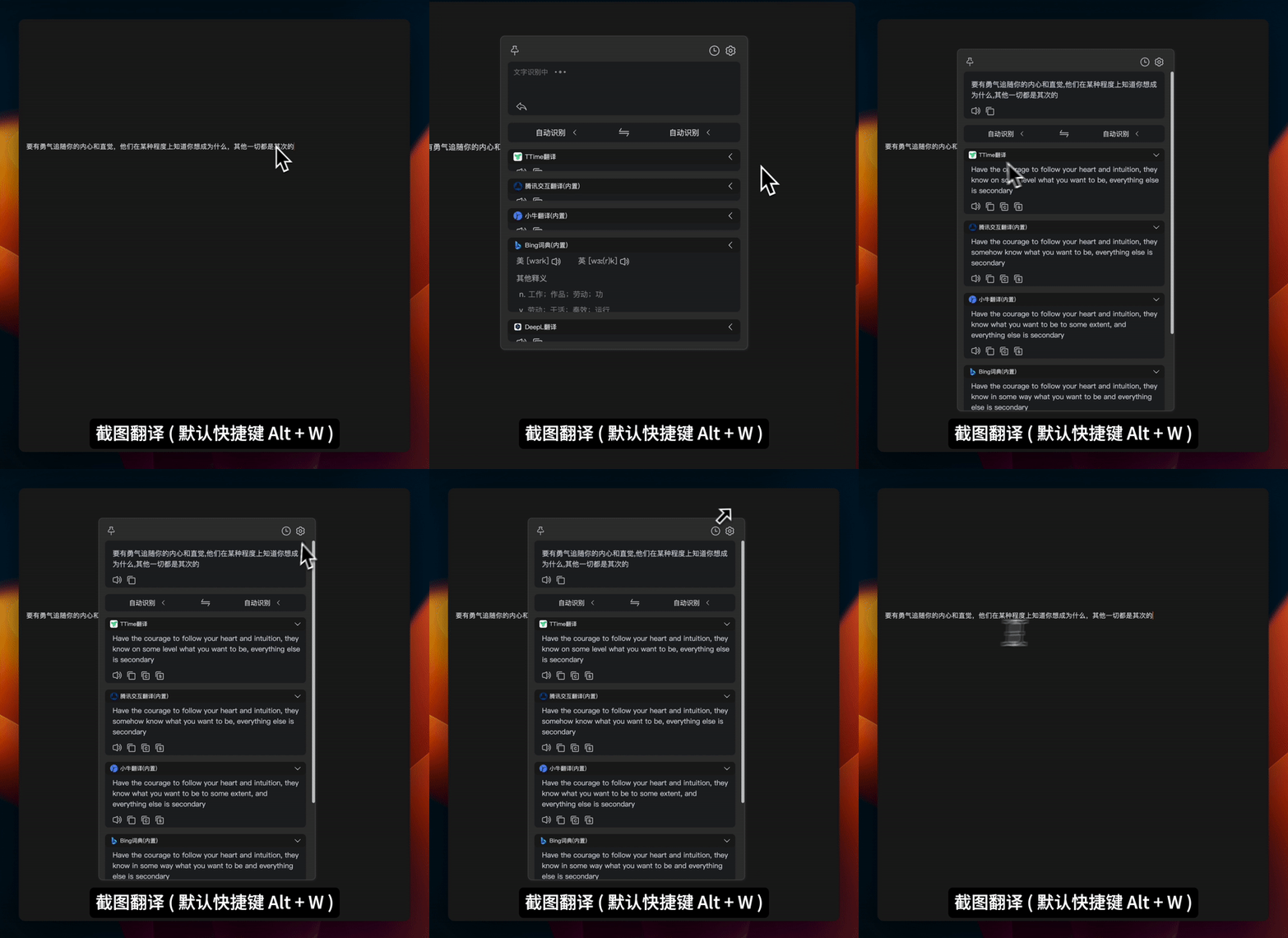
Screenshot Translation

Capture an area of the screen to recognize and translate its text

Learn more about screenshot translation
Screenshot OCR
Screenshot OCR

Select an area of the screen and extract text you cannot copy directly

Learn more about screenshot OCR
Image Translation
Image Translation

Capture a screen area and display the translation directly on the image

Learn more about image translation
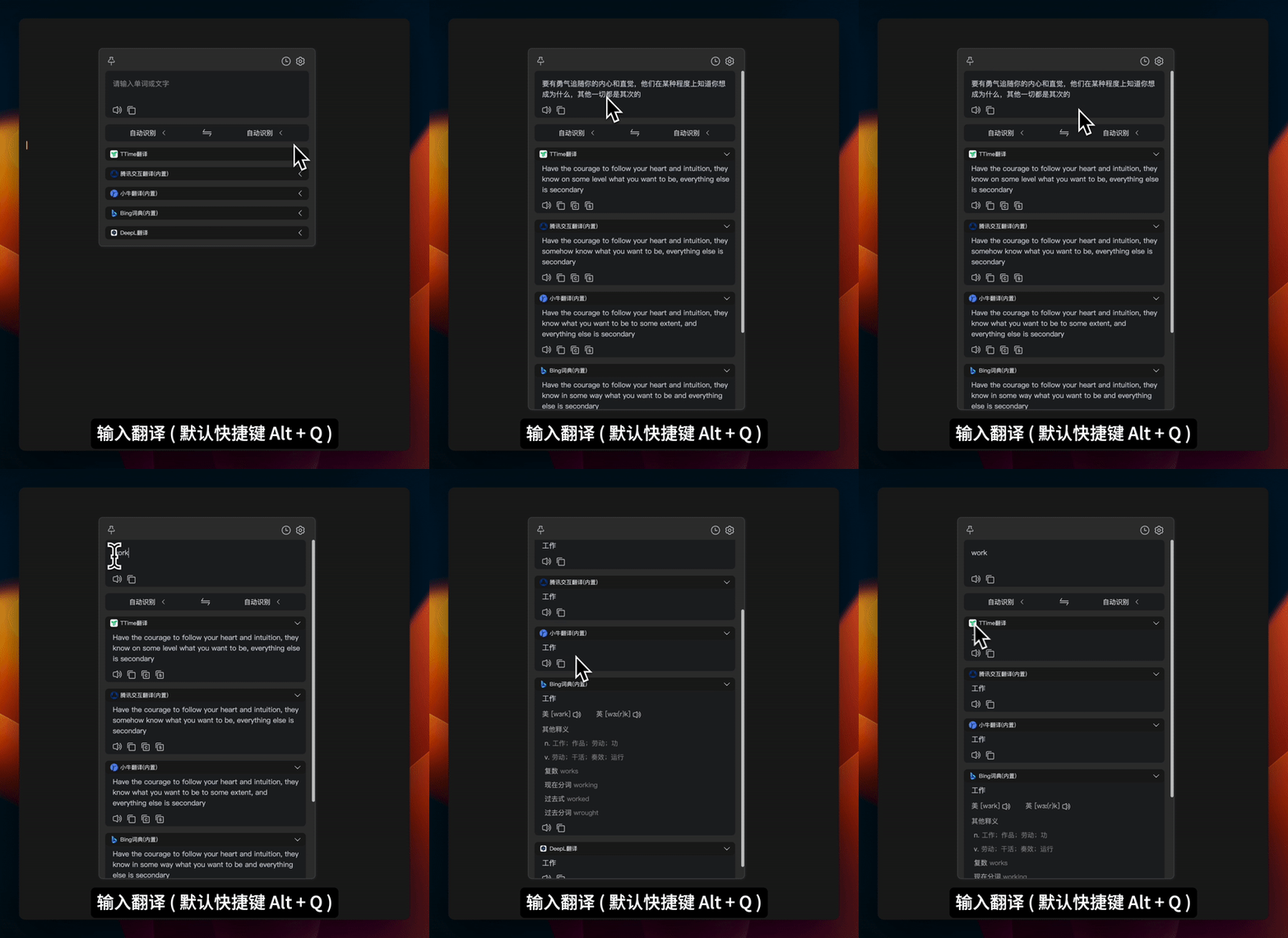
Text Input Translation

Open the input box with a shortcut and translate text from anywhere on your computer

Configure Translation ServicesChoose from supported providers or configure an AI translation service

Copyright © 2023-2026